
What counts as a bulk Mac mini order?
There is no universal threshold. In practice, corporate pricing and deployment services generally begin at 10 units. The services that matter most — Apple Business Manager enrolment, asset tagging, staged delivery — are worth arranging even for smaller fleets, because they cost the same amount of IT time at any volume.
Common bulk scenarios:
- New office or studio fit-out, one desktop per seat
- Replacing ageing desktops on a scheduled refresh cycle
- Build farms, CI runners and render nodes, where Mac minis are racked in quantity
- Fixed-desk deployment, where a laptop’s portability is an unnecessary cost and an unnecessary loss risk
Why the purchase channel decides what you can do with the devices
Most pages tell you to buy from an authorised channel. Few explain the concrete consequence, so here it is.
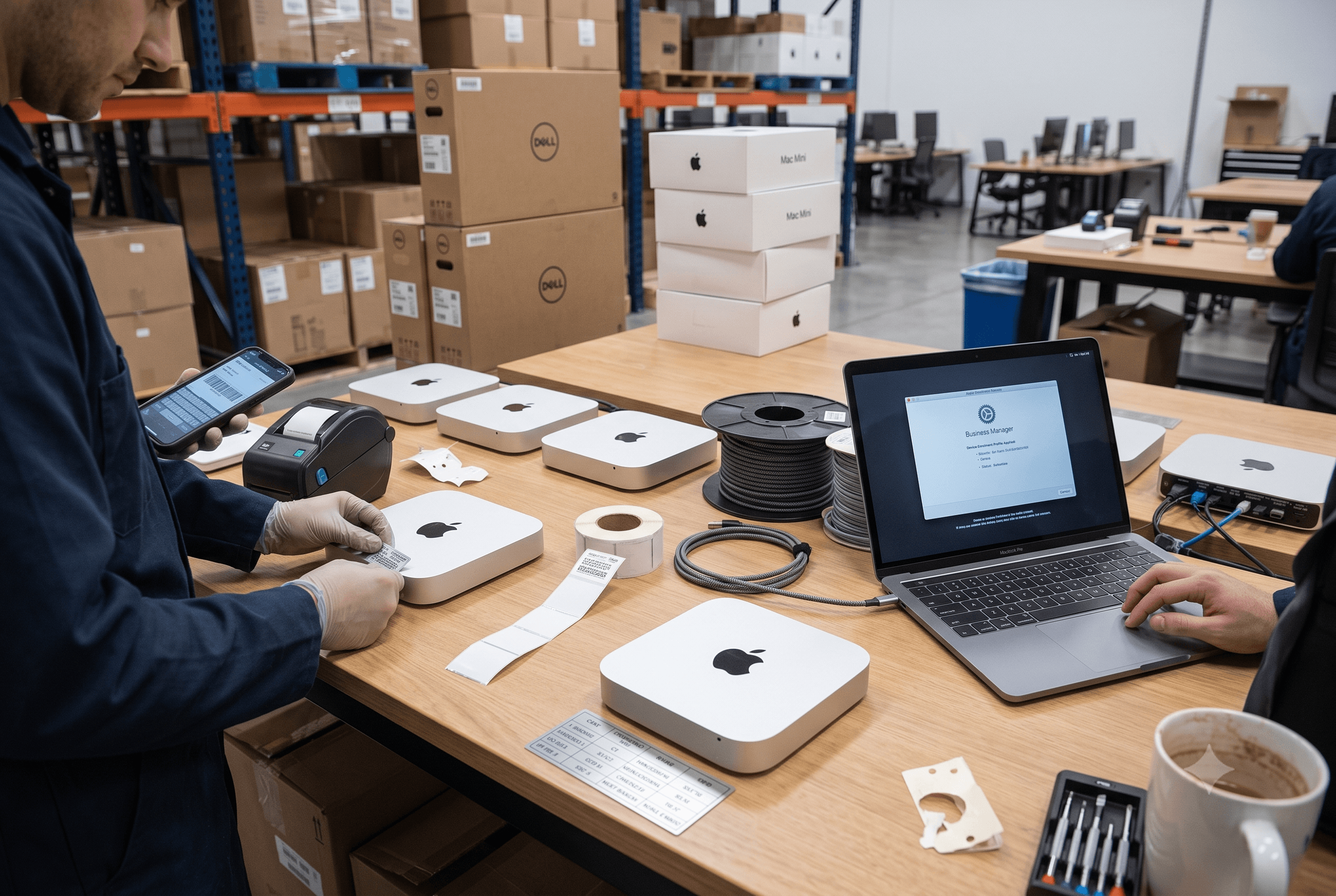
Zero-touch deployment is not a service your IT team can add later. Apple Business Manager can enrol a device into your MDM the moment an employee powers it on — no manual setup, no IT hands on the box. But that automatic enrolment depends on the device being linked to your organisation at the point of sale, by a reseller enrolled in Apple’s device enrolment programme.
Buy the same Mac mini from a marketplace listing and the hardware is identical. What you lose is everything around it.
| Authorised channel | Marketplace / grey import | |
|---|---|---|
| Automatic MDM enrolment via Apple Business Manager | Included | Not included |
| AppleCare+ / AppleCare for Enterprise eligibility | Included | Frequently not eligible |
| Warranty honoured in India | Full | International-variant stock may not be |
| GST-compliant invoice for input tax credit | Included | Inconsistent |
| Single audit trail for finance | One PO, one invoice | Fragmented across sellers |
For one machine this is an inconvenience. For forty, it is days of manual IT setup and a fleet your MDM cannot see.
ForeExcel is an authorised channel partner, and we link every unit to your Apple Business Manager account before it ships.
Which Mac mini configuration for which role
The most expensive mistake in a bulk order is buying one configuration for everyone. Memory is soldered on Apple silicon — it cannot be upgraded after purchase — so under-specifying a machine means replacing it, not upgrading it.
| Role group | Chip tier | Memory | Storage | Why |
|---|---|---|---|---|
| Admin, finance, reception, sales | Base | 16 GB | 256–512 GB | Browser, email, spreadsheets, calls. Storage matters more than cores here. |
| Design, marketing, front-end dev | Base | 24 GB | 512 GB | The memory step is what prevents a two-year replacement cycle. |
| Software engineering, CI runners | Base or Pro | 24–32 GB | 512 GB – 1 TB | Parallel builds and simulators are memory-bound before they are CPU-bound. |
| Video, 3D, local AI inference | Pro | 32–64 GB | 1 TB+ | Memory bandwidth is the constraint. Do not under-spec this group. |
| Racked build nodes | Base | 16–24 GB | 512 GB | Optimise for units per rack and power draw, not per-unit ceiling. |
Memory is soldered on Apple silicon and cannot be upgraded after purchase — under-specifying means replacing the machine, not upgrading it. Confirm the current shipping SKU ladder at the time of quoting.
Rule of thumb: spend on memory before storage. External storage is cheap and replaceable. Memory is neither.
Lead times: the number that breaks deployment plans
What this means for your planning:
- Work backwards from the go-live date, not forwards from the PO date. For an onboarding wave, place the order well ahead of the date you think you need it.
- Freeze the configuration early. Changing memory spec mid-order can reset your position in the queue.
- Ask about staged delivery. If you need 40 units, taking 15 now and 25 in six weeks is usually faster than waiting for one complete shipment.
- Get lead time in writing on the quote, per configuration — not a blanket estimate for the whole order.
The real cost: unit price is not landed cost
The number finance approves includes several things the product page does not show.
- List price itself, if your last quote predates mid-2026. Apple raised Mac mini pricing industry-wide this year against the memory shortage above — a budget approved off an older figure can be short before GST is even added. Get a dated quote, not a remembered number.
- GST on computer hardware. For a GST-registered business this is recoverable as input tax credit — but only against a compliant invoice carrying your correct GSTIN. Getting this wrong on a large order is an expensive correction.
- AppleCare coverage. Optional per unit, but at fleet scale it converts an unpredictable repair budget into a fixed line item.
- MDM licensing. Per-device, per-year, and separate from the hardware.
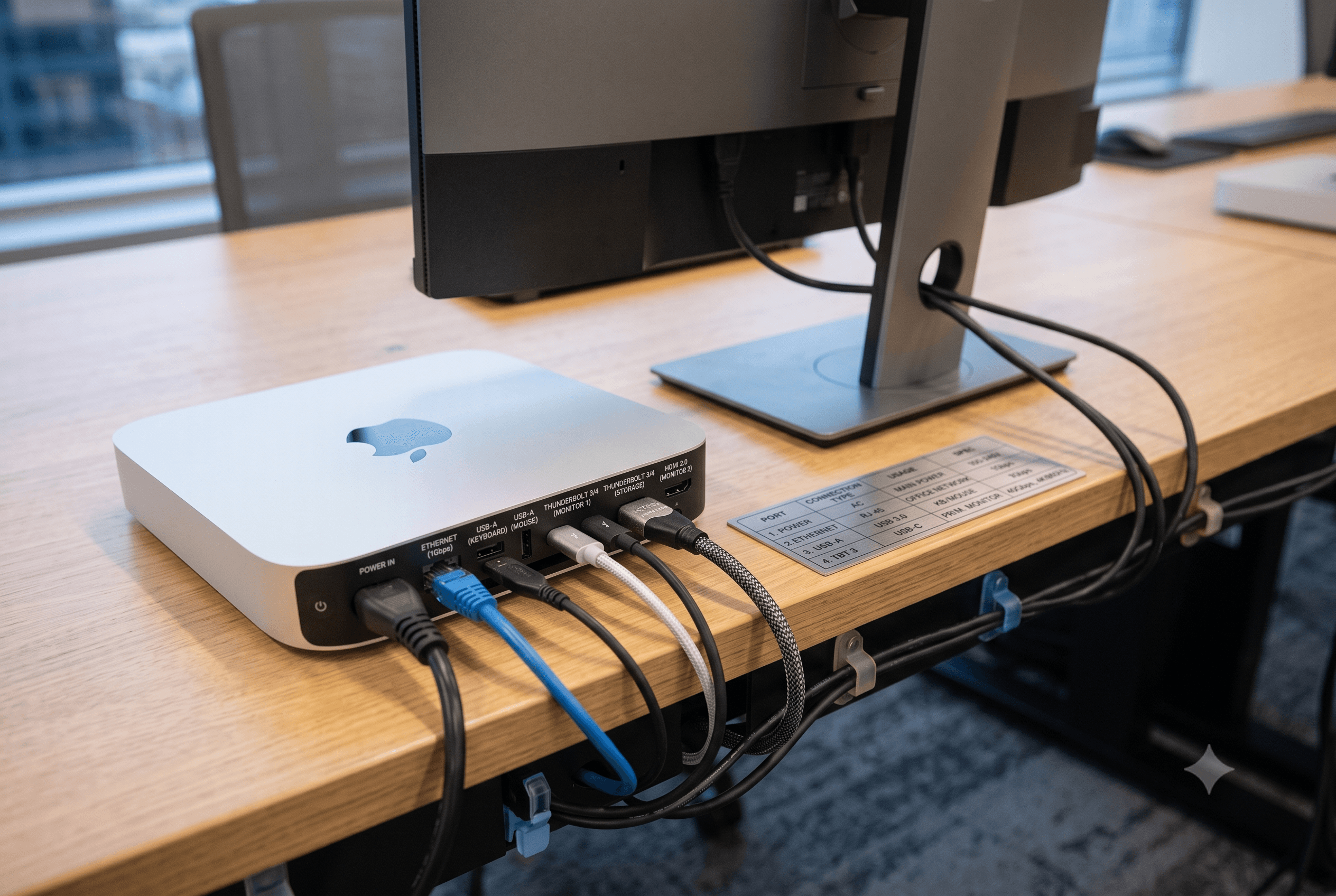
- Peripherals. Mac mini ships without display, keyboard or mouse. At fleet scale this is not a rounding error — budget it explicitly per seat.
- Deployment labour.Either your IT team’s hours or a fixed service fee. Zero-touch enrolment is what collapses this line.
- Residual value. Apple hardware holds value well, so a buyback at refresh time reduces the effective cost of this cycle. Ask about it at purchase, not at disposal.
How a bulk order works with ForeExcel
- Share your requirement. Headcount by role, target go-live date, and whether you already run Apple Business Manager or an MDM.
- We return a configuration plan and quote within one business day — itemised by role, with GST breakup and a per-configuration lead time.
- You raise a PO. We confirm allocation and lock your delivery window.
- We enrol before we ship. Every unit is linked to your Apple Business Manager account and, if you use one, your MDM — so devices arrive deployment-ready.
- Delivery and handover, staged if you need it, with asset tags and a serial register for your finance team.
Buying laptops as well? Fixed-desk roles on Mac mini and mobile roles on MacBook is the most common split, and both go on a single PO. See our MacBook for business page.